Audit and Compliance with Liquibase Secure:
Access controls & separation of duties best practices
When preparing for SOC 2, SOX, HIPAA, or similar compliance audits, two requirements consistently come up: access controls and separation of duties. This guide explains what these mean for database change management and provides practical steps to demonstrate compliance. Organizations use Policy checks in conjunction with RBAC best practices to ensure that users only perform database changes appropriate for their role.
Why access control matters
Auditors want to ensure that your database changes undergo proper checks and balances. Common issues they flag include:
Developers who can deploy their own changes to production without approval
Missing documentation showing who approved the database changes
Shared credentials instead of individual user accounts
No clear separation between who creates changes and who deploys them
Resolving these issues before an audit helps you pass more quickly and enhances your overall security.
The core principle: No single person should be able to make a database change from start to finish without someone else reviewing it.
What this means for database changes
Developers can't approve their own changes. If you write a database migration script, someone else needs to review and approve it before it goes to production.
Developers can't deploy directly to production. Production changes should happen through automated pipelines or designated DBAs, not through individual connections.
Different people at different stages. The person who creates a change request shouldn't be the same person who approves it or deploys it.
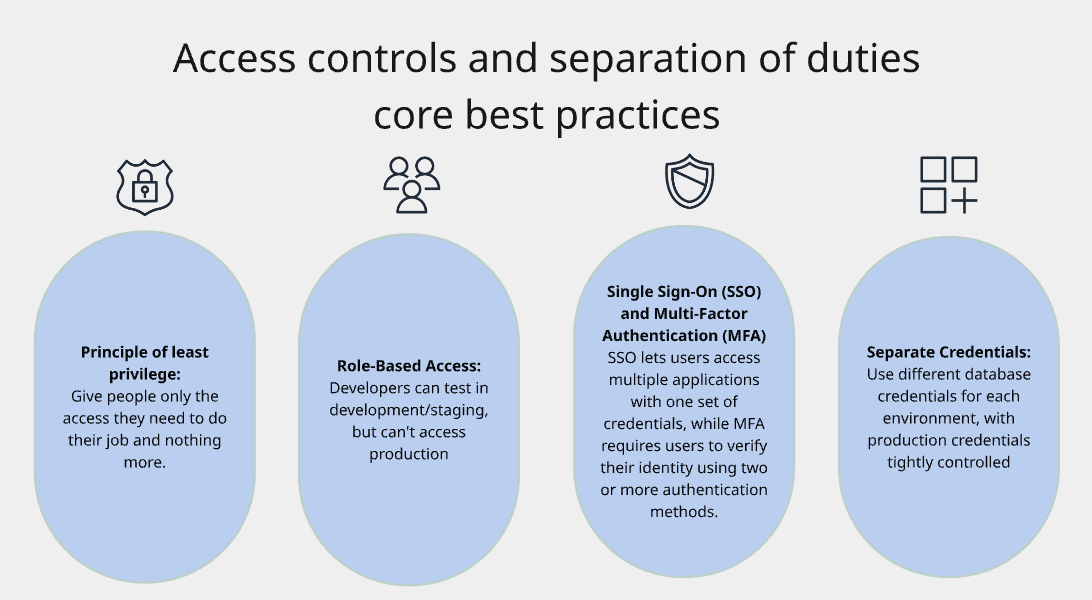
Core best practices
Role-Based Access Control (RBAC)
The core principle: Assign permissions to roles (like "Developer" or "DBA"), then assign people to roles instead of managing permissions individually.
Liquibase Secure extends RBAC tooling by utilizing policy checks on top of traditional access controls. They act as guardrails, preventing authorized users from making risky changes even when they have technical access to do so. While RBAC answers "who can access the database," Liquibase Secure answers "who made a change, did it pass security policies, and can you prove it to an auditor?"
Common roles for database changes
Developer: Creates and tests database changes in non-production environments
Tech Lead: Reviews and approves changes from developers
DBA: Deploys approved changes to production
DevOps Engineer: Maintains CI/CD pipelines
Compliance Officer: Views audit logs and change history (read-only)
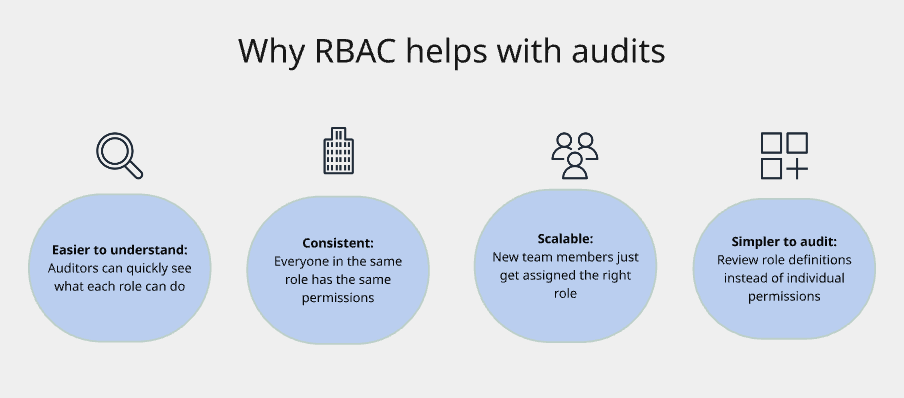
Common problems you'll want to avoid
Too many roles: Stick to 5-15 roles that cover your actual needs.
Role accumulation: Review access quarterly to remove old roles people don't need anymore.
Using RBAC alone: RBAC provides general access; you may still need additional controls for highly sensitive data.
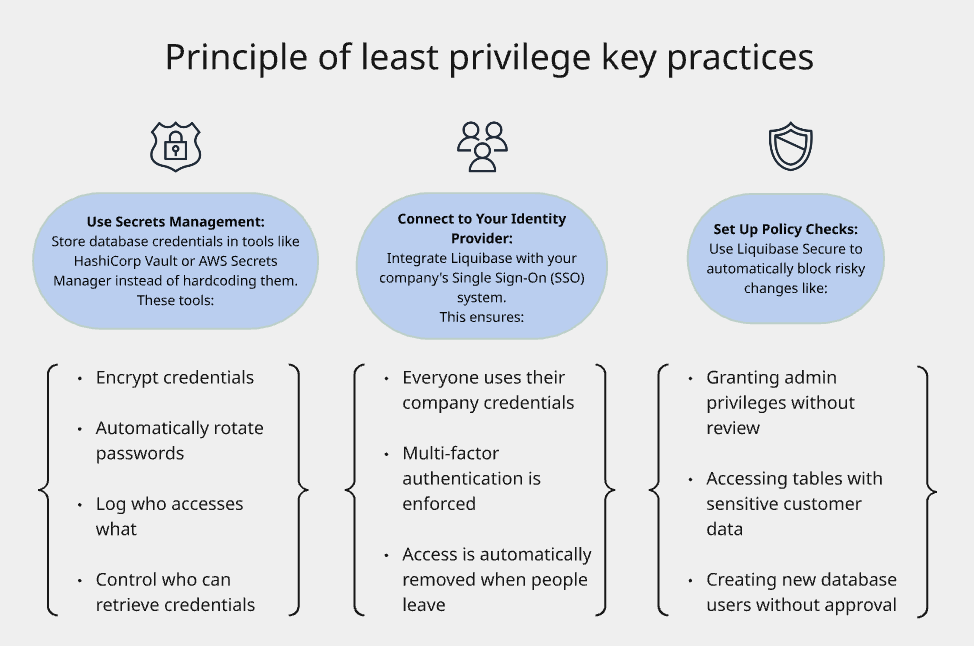
Principle of least privilege
The core principle: Give people only the access they need to do their job and nothing more.
Why it matters
When users have more permissions than necessary:
Security breaches cause more damage
Compliance requirements aren't met
Auditors flag it as a finding
Who can have what access?
Developers should have full access to development/test databases, but no direct access to production
DBAs can access production, but through controlled processes with logging
Users only get access to specific Liquibase Secure features they need for their role
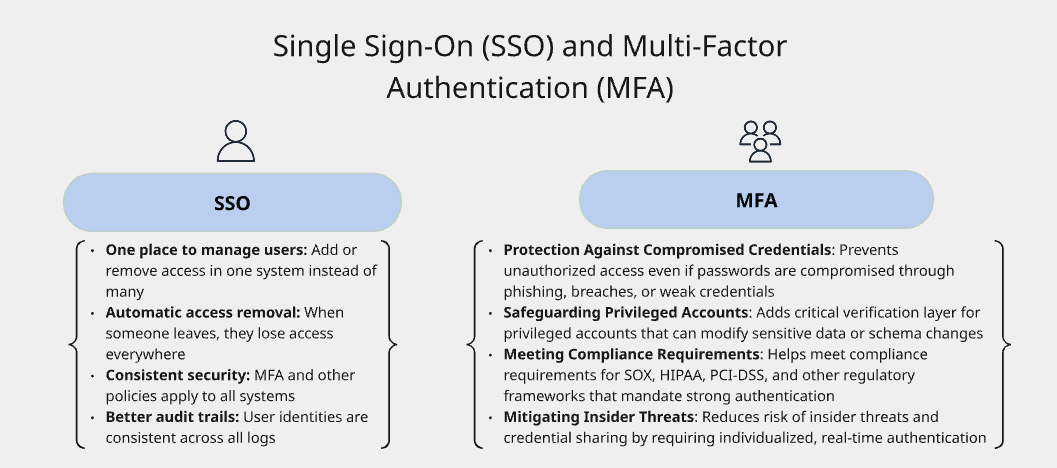
Single Sign-On (SSO) and Multi-Factor Authentication (MFA)
Why SSO Matters
Single Sign-On connects all your tools to your company's identity system (like Okta, Azure AD, or Google Workspace). Benefits include:
Implementation Tips
Enforce MFA for everyone accessing database systems, not just admins
Use hardware keys for production access (like YubiKey) for the strongest security
Monitor authentication logs for suspicious patterns like failed login attempts or logins from unusual locations
Individual User Accounts - No Shared Credentials
The rule: Every person needs their own unique account. No sharing passwords.
Why Shared Accounts Fail Audits
No accountability: Can't tell who did what
Can't remove access selectively: If one person leaves, you have to change the password for everyone
Compliance violation: Every compliance framework prohibits shared accounts
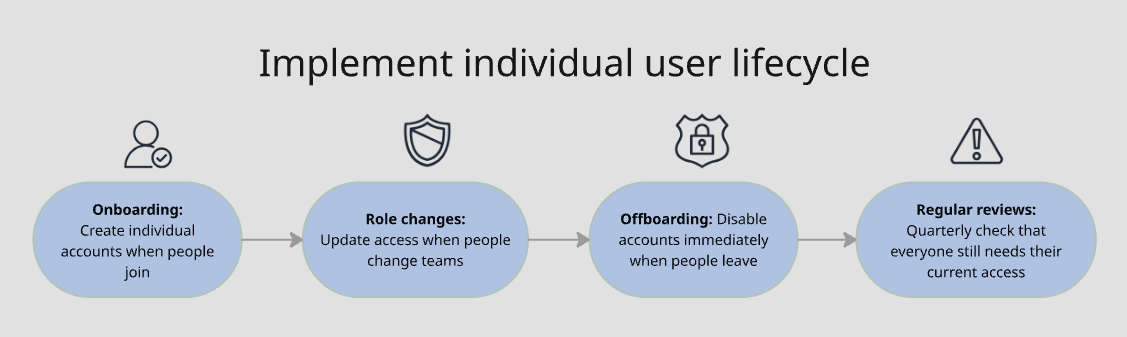
What This Means
Every team member has their own Liquibase Secure account with their own credentials.
Automated processes use service accounts (not shared user accounts)
Database connections use identifiable service accounts, not generic "liquibase_user" accounts